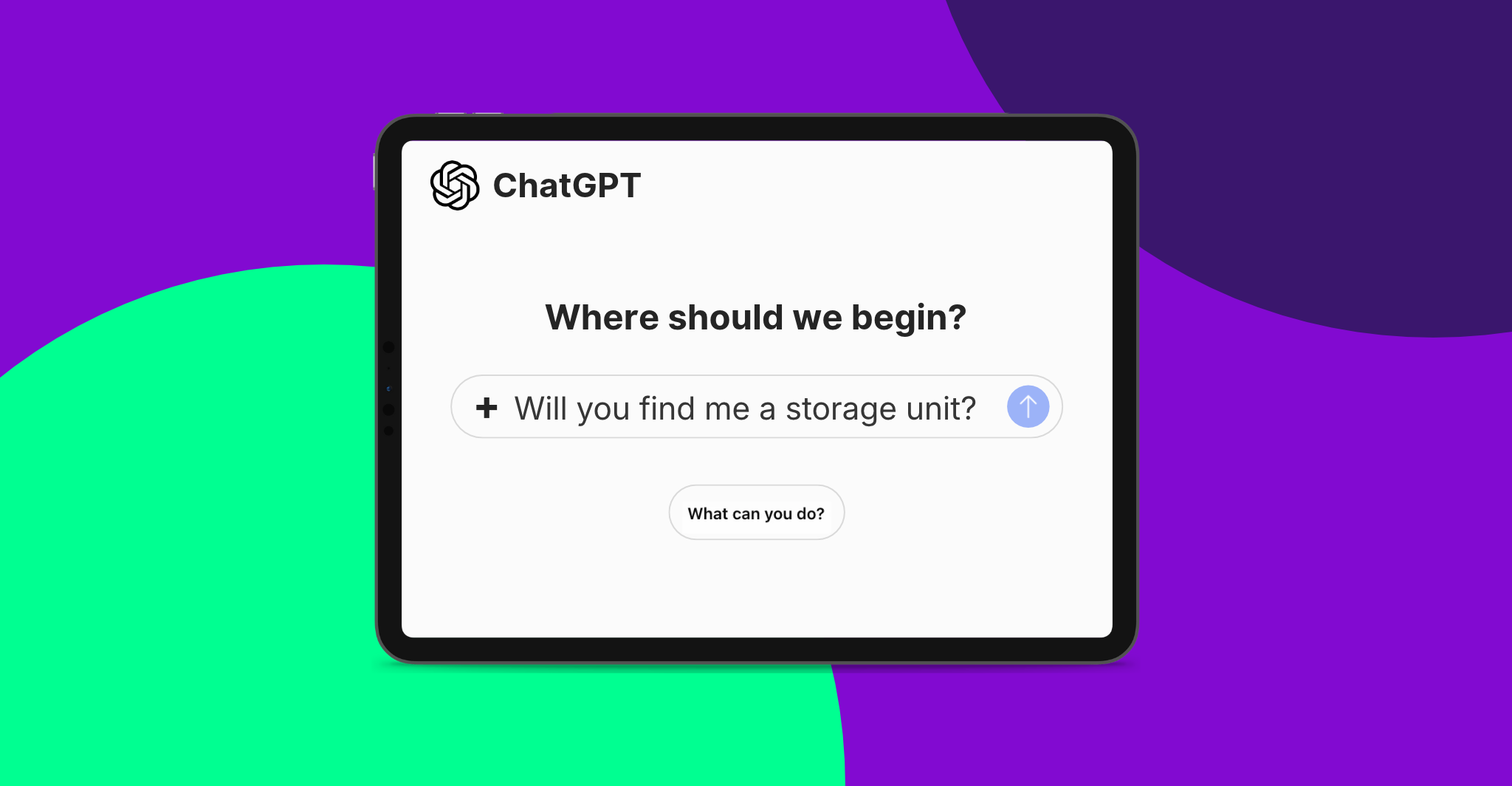
If you’ve been on the internet in the last week or two, you’ve seen the news already: OpenAI has launched its version of the Google Search Console for ChatGPT.
But as it turns out, this feature goes beyond a one-way data dashboard.
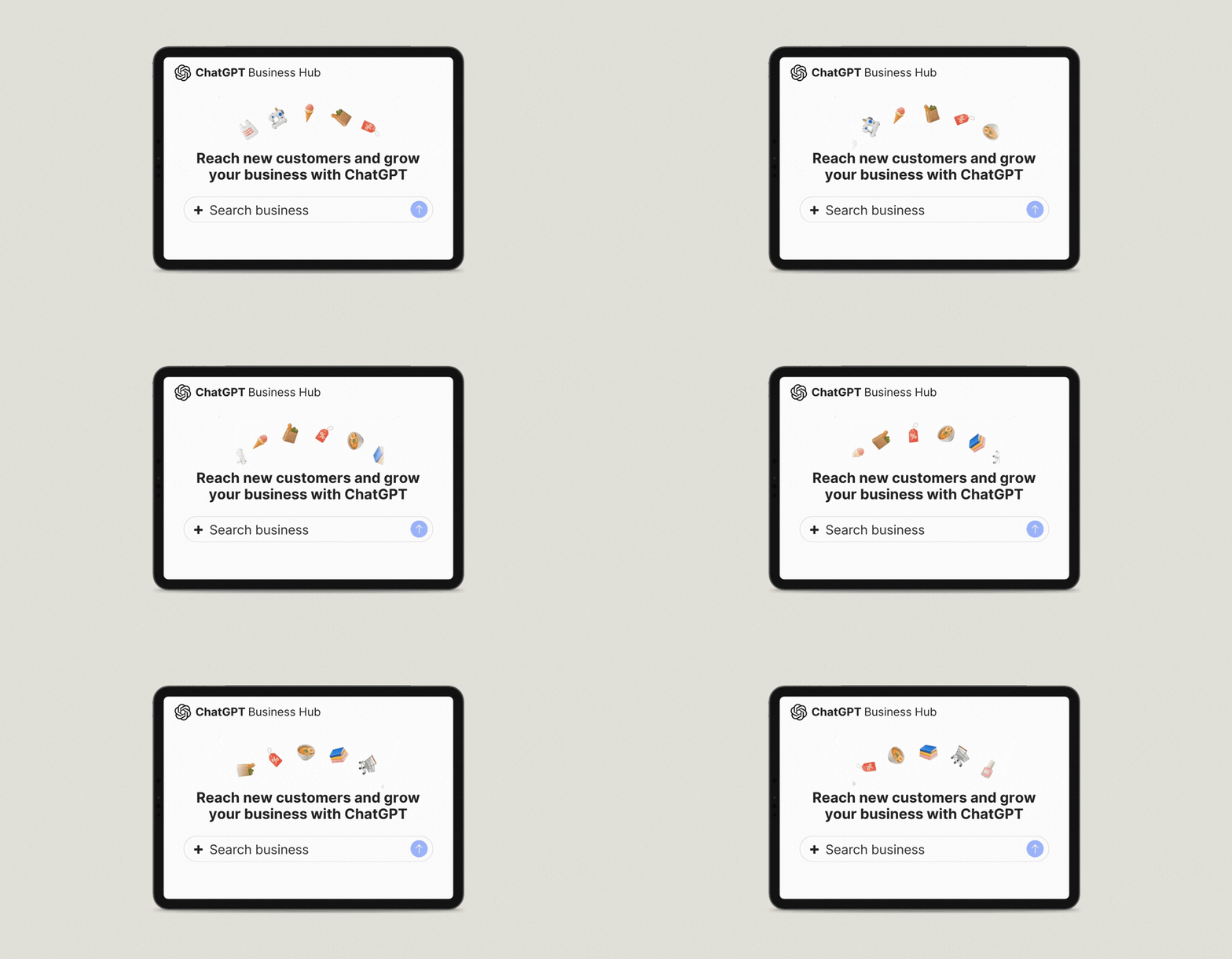
Officially, this new platform within ChatGPT is called Business Hub.
OpenAI’s original announcement—and most of the hype around the release—focuses on being able to see how visible your business is on ChatGPT.
But claiming your business on ChatGPT is about more than just visibility data. This works a whole lot like claiming your business profile on Google!
The Business Hub allows you to do three things:
The jury is still out on how effective visibility tracking in AI is, even for ChatGPT’s new built-in tool. But if claiming your business and setting up your profile helps ChatGPT give accurate answers about your business to leads, that alone is enough reason to get started!

You absolutely should claim your business.
Even if you’re not concerned about AI traffic (which is still very limited). Even if you don’t want to track your visibility in AI.
Why?
Because ChatGPT will tell people something about your business eventually. And this is an easy and free way to help ensure it’s saying the right things. Tell it exactly what you’re about rather than relying on how it understands you from third-party sources.
Claiming your business is straightforward! Setting up your business takes three steps:
Navigate to the ChatGPT Business Hub to start the process. Just click this link, sign in to ChatGPT, and search for your business in the search box that appears.
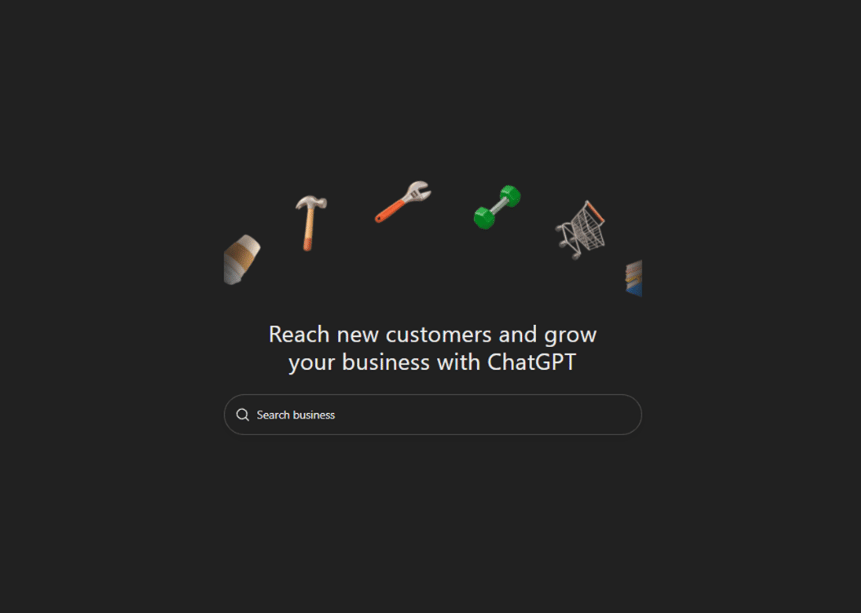
If you don't have a ChatGPT account, you can make one for free. You don't need a ChatGPT business account to claim your business!
You can also follow OpenAI’s very own help article for detailed steps.
Pug Pro Tip: Make sure you sign in with an account associated with your business, as this will be the account you use to manage your business on ChatGPT.
After logging in, search for your storage facility in the Business Hub. Note that each facility will have its own profile!
Once you find the right business, select it, and start the claim process. You have three verification options:
Not every business will have every option. Choose the one that makes sense for you from what they offer during setup. For example, if you have any kind of call routing where a caller has to select a number to proceed, you shouldn't choose the verify by phone option – the automated process will get stuck!
IMPORTANT: ChatGPT chooses the number when verifying by phone. If you have conflicting information about your phone number out there (such as an older MapQuest, Yelp, or other citation with the wrong number), they may choose one you don't have access to. Clean up your listings on other sites, and prep your answering service if you use one.
After claiming the business and verifying your connection to it, you still need to verify your actual identity.
You can read more about the actual steps in the help article, but here is an overview of what you should be prepared to provide:
Once this step is complete, your business will now have a blue checkmark wherever the profile listing is shown in ChatGPT!
Now that both your business and your identity are confirmed, it’s time to set up your profile!
This part is a lot like filling out your Google Business Profile. That means use every field and setting you can! Remember, this is how you tell ChatGPT how you want to show up in AI search.
Make sure to immediately fill out your website address, business category, business description, and logo!

Here are three things you can do right after claiming and verifying your ChatGPT Business Hub in order to optimize it (beyond making sure your address, website, and other information is correct):
This is the bulk of what you need to do to get started! Easy, right?
Eventually, you can also explore additional features such as their Business Agent. This is a dedicated chat agent that leads can use to learn about your business.
The Business Agent isn’t available for all businesses, and it's also off by default even if it’s available for yours. But even if it becomes available, it’s best to see how the rest of the profile performs before testing the impact of this AI agent.
As suddenly as this new business listing option has been rolled out, we expect it to change just as quickly! We're in an era of constant AI updates and evolutions. To keep up with the latest best practices and trends, be sure you join us at Storage Academy.
And don't miss our State of AI Webinar on December 9, where we'll dive into ChatGPT, AI Search, and how AI is impacting the storage industry!
Here are some of my other favorite posts to check out!
At StoragePug, we build self storage websites that make it easy for new customers to find you and easy for them to rent from you.